Watch shop POS software: managing sales and repairs
From a watch arriving at the workshop to payment and collection: how DianDian POS connects repairs and sales, with custom development options.
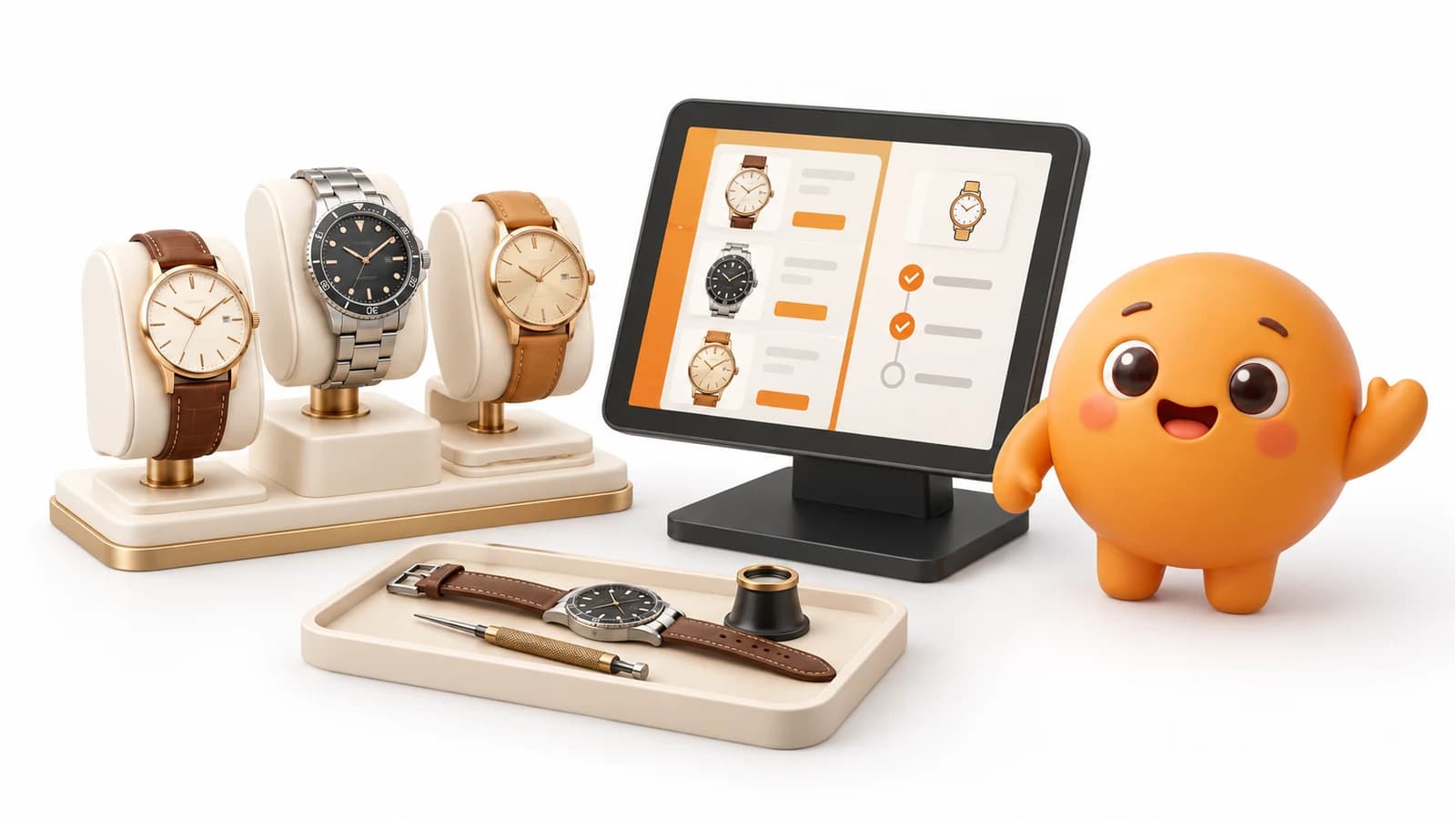
DianDian POS is point-of-sale software for shops and businesses in Spain. Its watch shop configuration brings together sales, repair records, quotes, tracking and checkout. This guide follows a workshop job and explains what to test in a demo, what is configured by sector and how to request custom development.
Sales and repairs share the same counter
In a watch shop, a transaction does not always end with a receipt. One customer buys a strap, another leaves a watch for a battery replacement, and a third collects a repair. Your software should make it clear what was sold, which item is in the workshop and what still needs to be paid.
DianDian POS combines checkout with a watch repair configuration. Workshop records connect the customer, item, work and payment. You can look up the repair when a customer asks about their watch and continue handling everyday shop sales.
Receive the watch: customer, identification and photos
At reception, create a record with the customer and item description. Record make, model, serial or item identification, notes, a checklist and the assigned technician. Entry and planned collection dates help organise work while remaining separate from actual delivery.
Photos are attached to the repair record. The workshop configuration includes phone photo uploads, useful for documenting the item on arrival. For example, record visible marks on a watch case or the condition of a strap before starting work.
Prepare a quote and record the decision
The record lets you enter an estimated amount and itemise labour and parts with quantities, prices and discounts. You can also keep quote notes and record acceptance or rejection. An estimate and an itemised quote serve different purposes; keep it clear what was proposed to the customer.
Imagine a watch needing a battery and a strap adjustment. In the demo, ask to create both lines, record the customer's decision and then retrieve the record. This is a workflow example, not a repair price or turnaround promise.
Follow workshop progress through to delivery
Repairs have statuses and change history: received, in progress, completed, delivered or cancelled among the workshop workflow options. The record retains technician and date information so you can review each item.
The configuration also supports links to earlier repairs for warranty and collection details. These references help locate previous work; warranty terms communicated to customers should match your service and configured workshop documents.
Collect repair payment and keep selling
The repair displays its outstanding balance and can send it to POS checkout. Linking the record and payment lets you review the job without piecing together separate notes. In the demo, check the document, amount due and resulting transaction record.
The shop still needs a catalogue of watches, straps, batteries and accessories. The POS foundation supports references and barcodes, inventory and sales lookups. Confirm the product and peripheral setup you will use at the counter during your demo.
A POS foundation that also serves other businesses
Not every business needs a workshop. A bazaar prioritises its catalogue and barcode checkout; a clothing shop needs to check variants; a nail salon combines service checkout and product sales. Hospitality workflows differ: tables, orders and kitchens need their own configuration.
DianDian POS is offered for different shop and business types with modules and setup matched to their needs. The repair features described here belong to the watch shop solution; this does not mean every plan or sector includes the same modules.
Custom development for the way you work
We can also develop custom features. If your workshop needs extra fields, a specific document, a report or an integration, start by explaining your current process and intended result. The team reviews feasibility and agrees scope, price and timelines before starting.
Custom development is quoted separately from standard software. Bring examples without real personal data: a reception form, quote and desired delivery document. This makes the proposal concrete and separates available configuration from new work.
How to test it and request a quote in Spain
Buy software for compatible equipment or request a hardware pack. Published pricing is €159/year + VAT for annual software and €499 + VAT for a one-time local licence. Watch shop module scope, onboarding, migration and any custom work should be identified in your quote.
From Fuenlabrada, Madrid, we coordinate remote onboarding and Spanish/Chinese support for businesses throughout Spain. For the demo, prepare a product sale and a sample repair: receive, quote, change status and collect payment. This helps check that the system fits your counter.
Your next step
Request a demo with a complete sale and repair. Confirm compatible equipment, included modules and the documents your workshop needs. If your workflow needs something different, we can assess custom development with its own quote and scope.
Features described apply to the configuration identified. Confirm modules, compatible equipment, services and pricing for the offered version. Custom development is quoted separately.
Prepare your business's next step
Ask our team about the POS configuration, documentation and support your business needs.
Compare POS optionsPOS coverage across Spain