How to choose a POS in Spain: a buyer's guide
Compare invoicing, hardware, languages, support and total cost. Choose a POS using demonstrations and documentation rather than slogans.
The right POS depends on your business and workflow. Start with daily tasks, check the tax requirements for your situation and compare quotes with equivalent scope.
Map your workflow before comparing
A restaurant may need tables, orders and split bills; a shop may need variants, barcodes and stock control. Bring five real scenarios to the demo and check each with the provider.
What your invoicing software must support
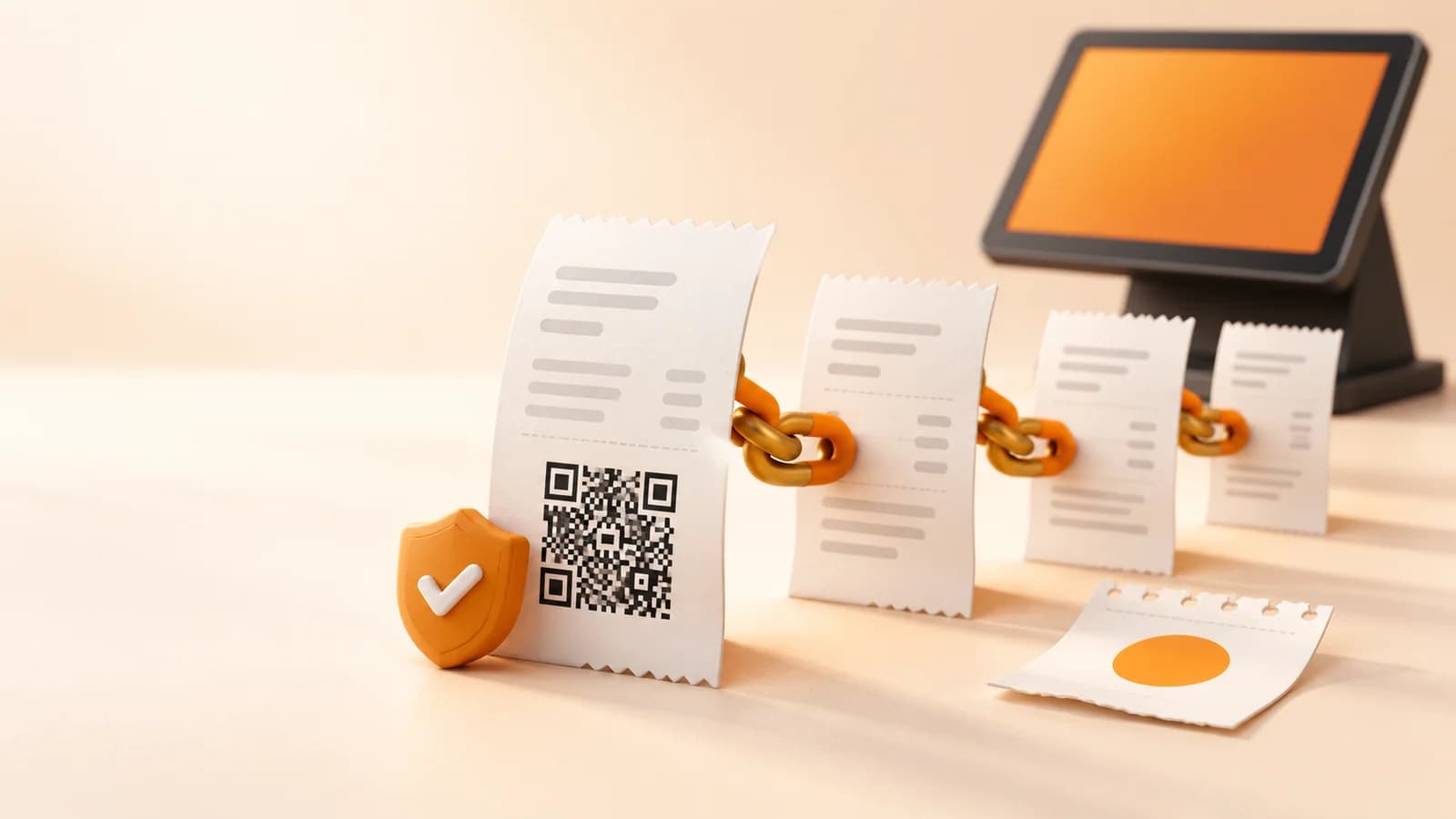
Adding a QR to a receipt is not enough. The system must ensure integrity, preservation, accessibility, readability, traceability and resistance to improper alteration, following the chosen mode's specifications.
- Generate invoice creation and, where applicable, cancellation records, linked through hashes.
- Include the tax QR on full and simplified invoices issued by the SIF as required by the rules.
- Apply the signing, preservation and event requirements of each mode and document incident and correction procedures.
- Provide the producer's declaration of responsibility identifying the system and its version.
Source:BOE · Real Decreto 1007/2023 (arts. 3, 8–17)AEAT · Declaración responsable del software
What documentation to request
Request the declaration of responsibility for the version you will use, the producer's identity and the supported mode. The declaration is issued by the software producer: a logo or a marketing claim does not replace it.
When evaluating DianDian POS, request documentation for the offered version, a demonstration and the scope of adaptation services. Confirm in writing what the licence, updates, setup and support include.
Compare systems with equivalent scope
Distinguish a card terminal, a checkout app and a full POS. Check country, plan and version before assessing a brand. Absence of a VERI*FACTU page does not prove non-compliance.
- Included hardware and peripherals; warranty and replacement.
- Licences, updates, support and available languages.
- Data exports, training and exit terms.
Your next step
Request a demo of your workflow and an itemised quote. Use the same requirements checklist for every offer, including DianDian POS.
Sources and documentation
Sources checked:
An information guide for businesses in Spain. Confirm your scope and obligations with your adviser, and verify software capabilities for the version you purchase.
Prepare your business's next step
Ask our team about the POS configuration, documentation and support your business needs.
Compare POS optionsPOS coverage across Spain