Restaurant POS: what to compare for 2027
Tables, orders, kitchen and invoicing: evaluate a restaurant POS with a demonstration that reflects your real service.

There is no single best POS for every restaurant. Your choice depends on service style, dining room and kitchen size, staff languages and applicable invoicing requirements.
Test a complete service
- Open a table, add notes and send kitchen orders.
- Move a table and split a bill using your workflow.
- Manage terrace service, takeaway and cash closing.
Check hardware and kitchen connectivity
Verify printer, kitchen display and network compatibility. Ask for dimensions, warranty terms and a replacement plan. Assess a terminal, tablet or mixed setup against your environment and workload.
What your invoicing software must support
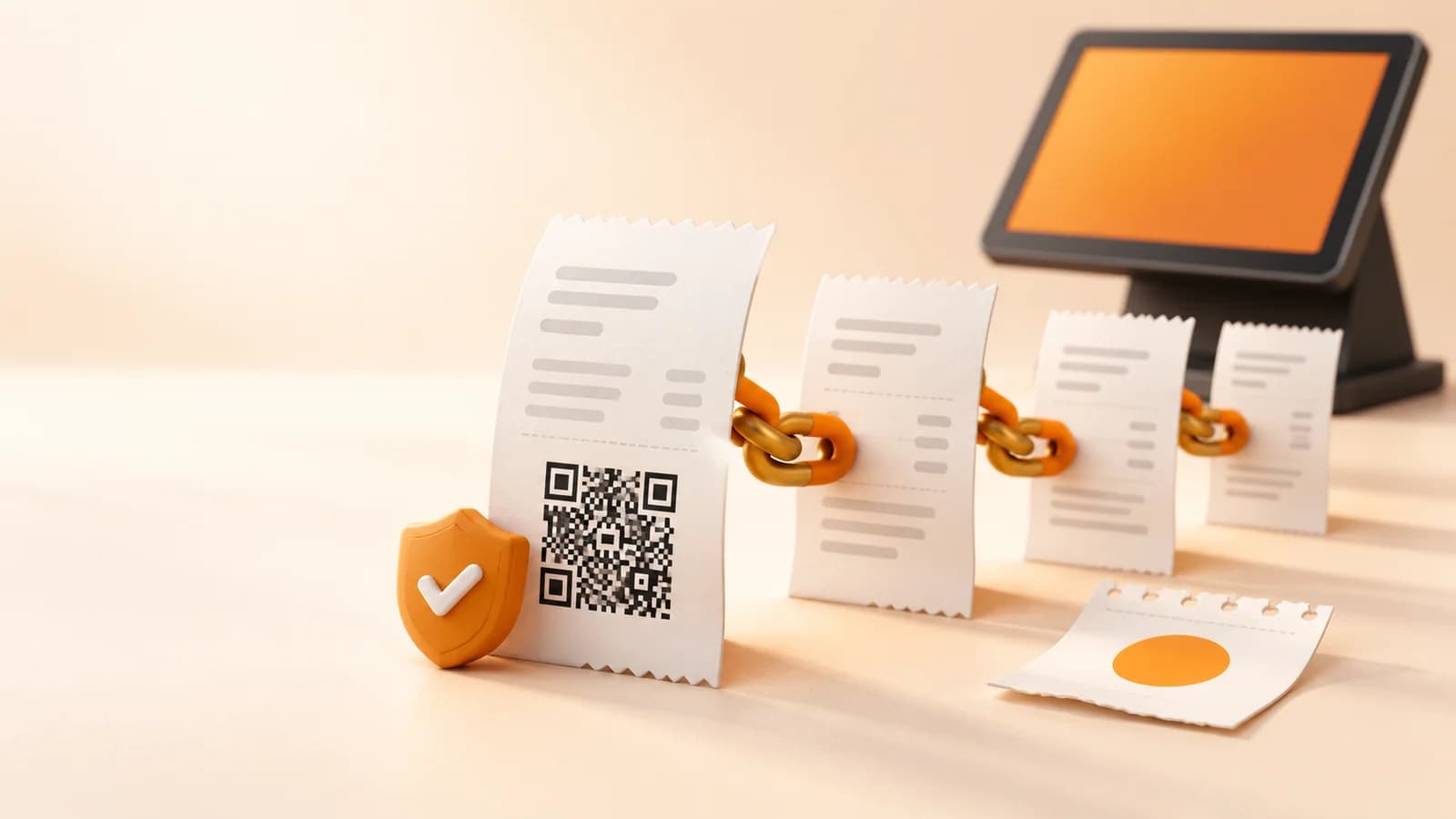
Adding a QR to a receipt is not enough. The system must ensure integrity, preservation, accessibility, readability, traceability and resistance to improper alteration, following the chosen mode's specifications.
- Generate invoice creation and, where applicable, cancellation records, linked through hashes.
- Include the tax QR on full and simplified invoices issued by the SIF as required by the rules.
- Apply the signing, preservation and event requirements of each mode and document incident and correction procedures.
- Provide the producer's declaration of responsibility identifying the system and its version.
Source:BOE · Real Decreto 1007/2023 (arts. 3, 8–17)AEAT · Declaración responsable del software
What documentation to request
Request the declaration of responsibility for the version you will use, the producer's identity and the supported mode. The declaration is issued by the software producer: a logo or a marketing claim does not replace it.
When evaluating DianDian POS, request documentation for the offered version, a demonstration and the scope of adaptation services. Confirm in writing what the licence, updates, setup and support include.
Your next step
Choose a POS that supports your service, trained staff and clear support arrangements. Evaluate tax requirements as carefully as tables and orders.
Sources and documentation
Sources checked:
An information guide for businesses in Spain. Confirm your scope and obligations with your adviser, and verify software capabilities for the version you purchase.
Prepare your business's next step
Ask our team about the POS configuration, documentation and support your business needs.
Compare POS optionsPOS coverage across Spain