VERI*FACTU vs non-VERI*FACTU: choosing a POS mode
Compare submission, record preservation, QR and documentation. Both modes can comply with the regulation under different requirements.
The useful comparison is not regulated versus unregulated software. It is how two compliant SIF modes handle records and what each requires from your business.
VERI*FACTU and non-VERI*FACTU: two modes
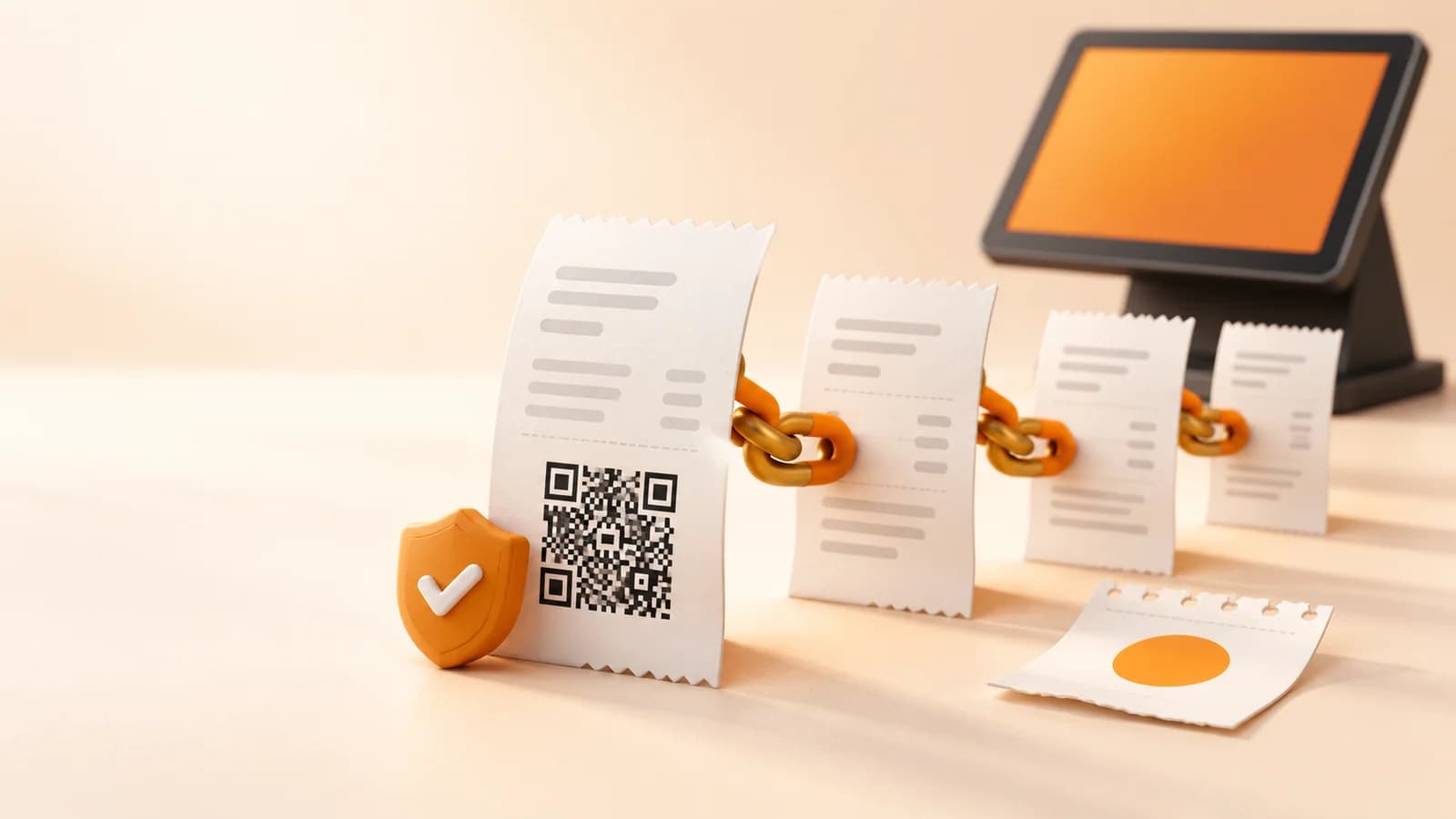
Where the regulation applies, the obligation is to adapt the invoicing system (SIF). VERI*FACTU is the mode that continuously, automatically and securely submits invoicing records to AEAT. Records are submitted, rather than necessarily the full invoice document.
Non-VERI*FACTU mode can also comply, but preserves records with additional signing and event-log requirements and must allow them to be supplied to the tax authority. It is not uncontrolled software. Choose based on your workflow and your provider's documented capabilities.
- Sale
- Invoice
- Chained record
VERI*FACTU
Continuous submission to AEAT
Non-VERI*FACTU
Preservation and additional requirements
Both modes can comply. A QR alone does not prove prior submission.
| Criterion | VERI*FACTU | Non-VERI*FACTU |
|---|---|---|
| Records | Continuous submission to AEAT | Preservation and supply under the rules |
| Signing and events | Simplifications under Article 16 | Applicable additional requirements |
| QR | Can verify a submitted record | Does not prove prior submission |
| Documentation | Declaration of responsibility per version | Declaration of responsibility per version |
Submission is not a freely switchable setting
Article 16 provides that the VERI*FACTU option continues at least until the end of the calendar year of the first effective submission. AEAT's notice allows stopping test submissions in the period before the applicable deadline. Distinguish test records from effective submissions and confirm the procedure before switching modes.
Source:BOE · Real Decreto 1007/2023 (arts. 3, 8–17)AEAT · Plazos de adaptación de los SIF
What documentation to request
Request the declaration of responsibility for the version you will use, the producer's identity and the supported mode. The declaration is issued by the software producer: a logo or a marketing claim does not replace it.
When evaluating DianDian POS, request documentation for the offered version, a demonstration and the scope of adaptation services. Confirm in writing what the licence, updates, setup and support include.
How to decide with your adviser
Check connectivity, invoice volume, incident handling, preservation and support. Request written procedures from the provider. A non-VERI*FACTU system meeting its requirements is not the same as an unadapted legacy POS.
Your next step
Choose a mode backed by documentation and procedures suited to your business. Do not assess compliance from a QR or product name alone.
Sources and documentation
- BOE · Real Decreto 1007/2023 (arts. 3, 8–17)
- AEAT · Plazos de adaptación de los SIF
- AEAT · Declaración responsable del software
Sources checked:
An information guide for businesses in Spain. Confirm your scope and obligations with your adviser, and verify software capabilities for the version you purchase.
Prepare your business's next step
Ask our team about the POS configuration, documentation and support your business needs.
Compare POS optionsPOS coverage across Spain